Registry tool
Registry tool
=> You can modify the registry to change the location of special folders like
- My Documents
- Favorites
- My Pictures
- Personal

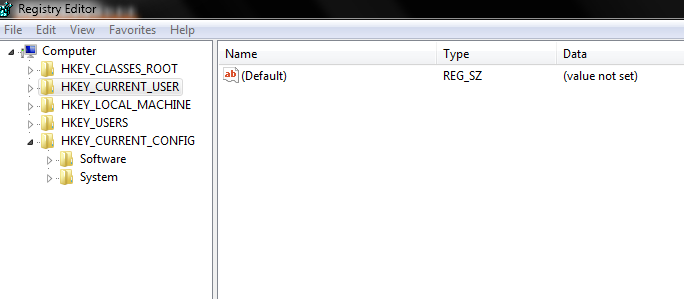
- Start Regedit
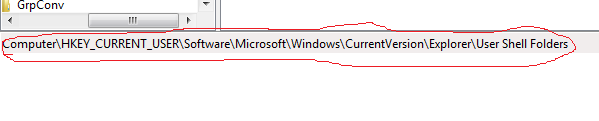
- Go to HKEY_CURRENT_USER\Software\Microsoft\Windows\CurrentVersion \Explorer\User Shell Folders


- Double click on any locations you want to change and alter the path
- Logoff or restart for the changes to go into effect

 Techknow_Study